flarePDF Blog
Helpful guides, step-by-step tutorials, and tips for editing, converting, and securing your PDF documents.
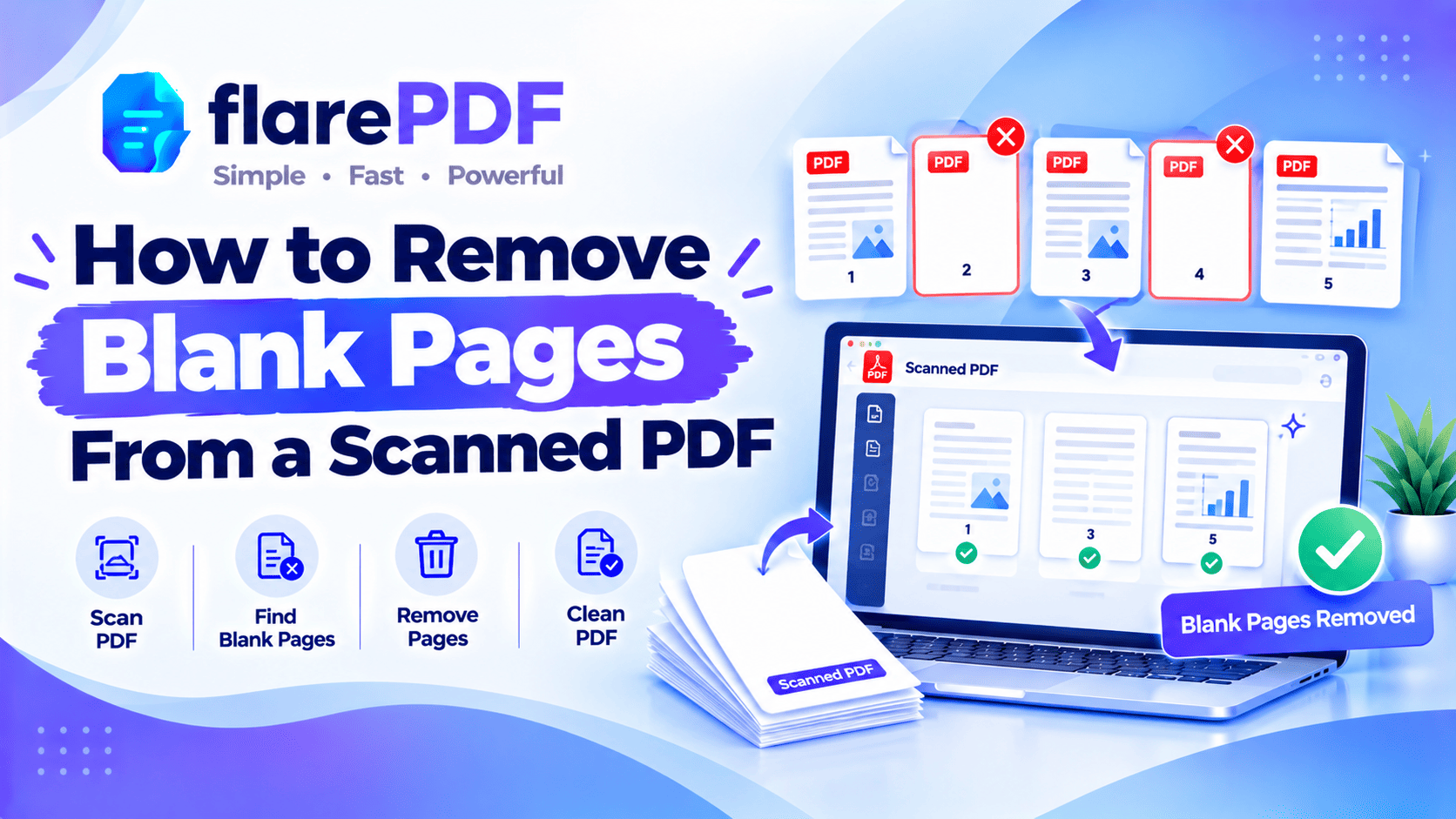
How to Remove Blank Pages From a Scanned PDF (Free)
Learn how to remove blank pages from a scanned PDF for free. Find and delete empty pages fast, and stop your scanner from adding them next time.
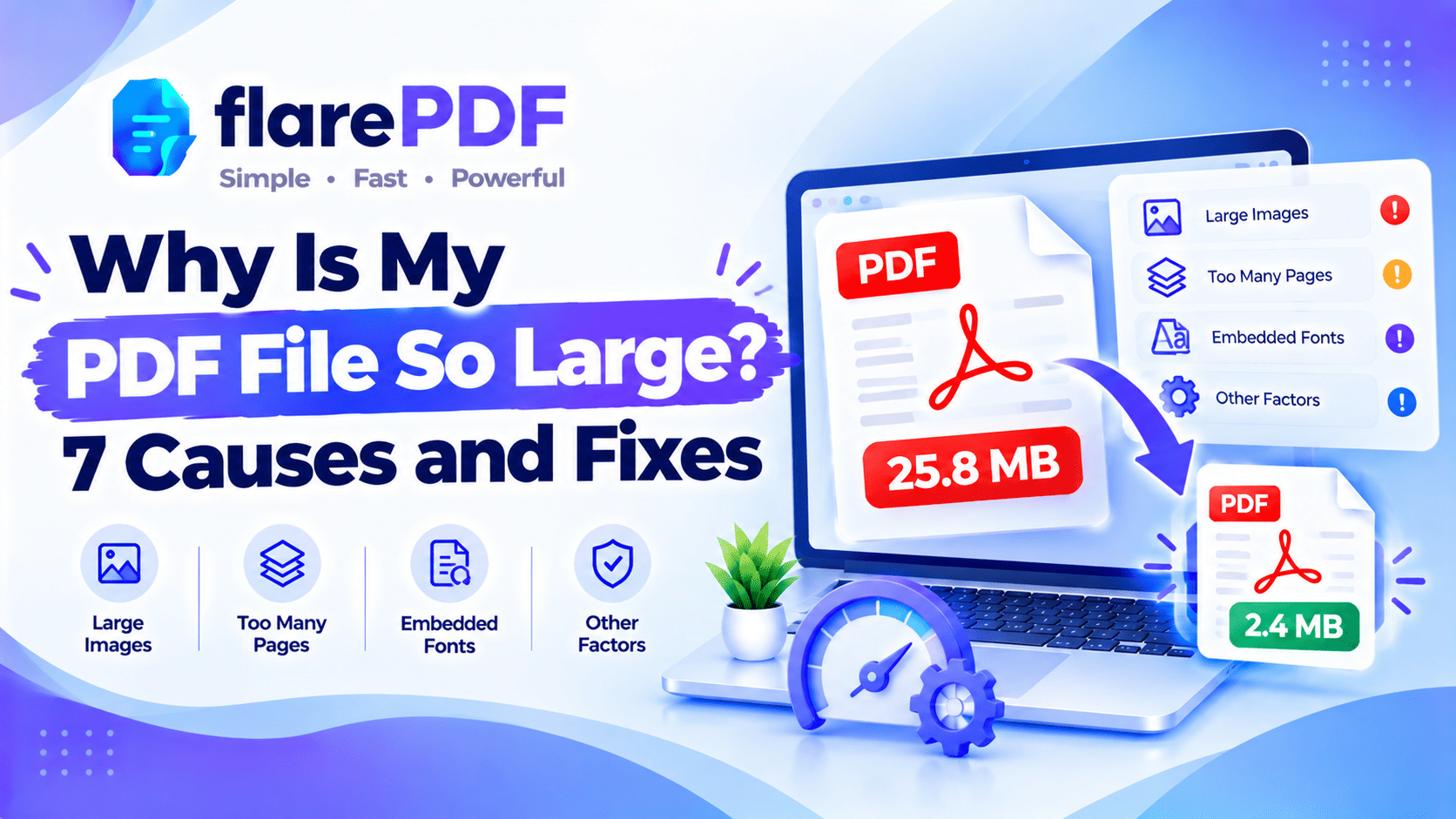
Why Is My PDF File So Large? 7 Causes and Fixes
Why is my PDF file so large? See the 7 most common causes, from photos and scans to fonts and editing history, plus simple free fixes for each.
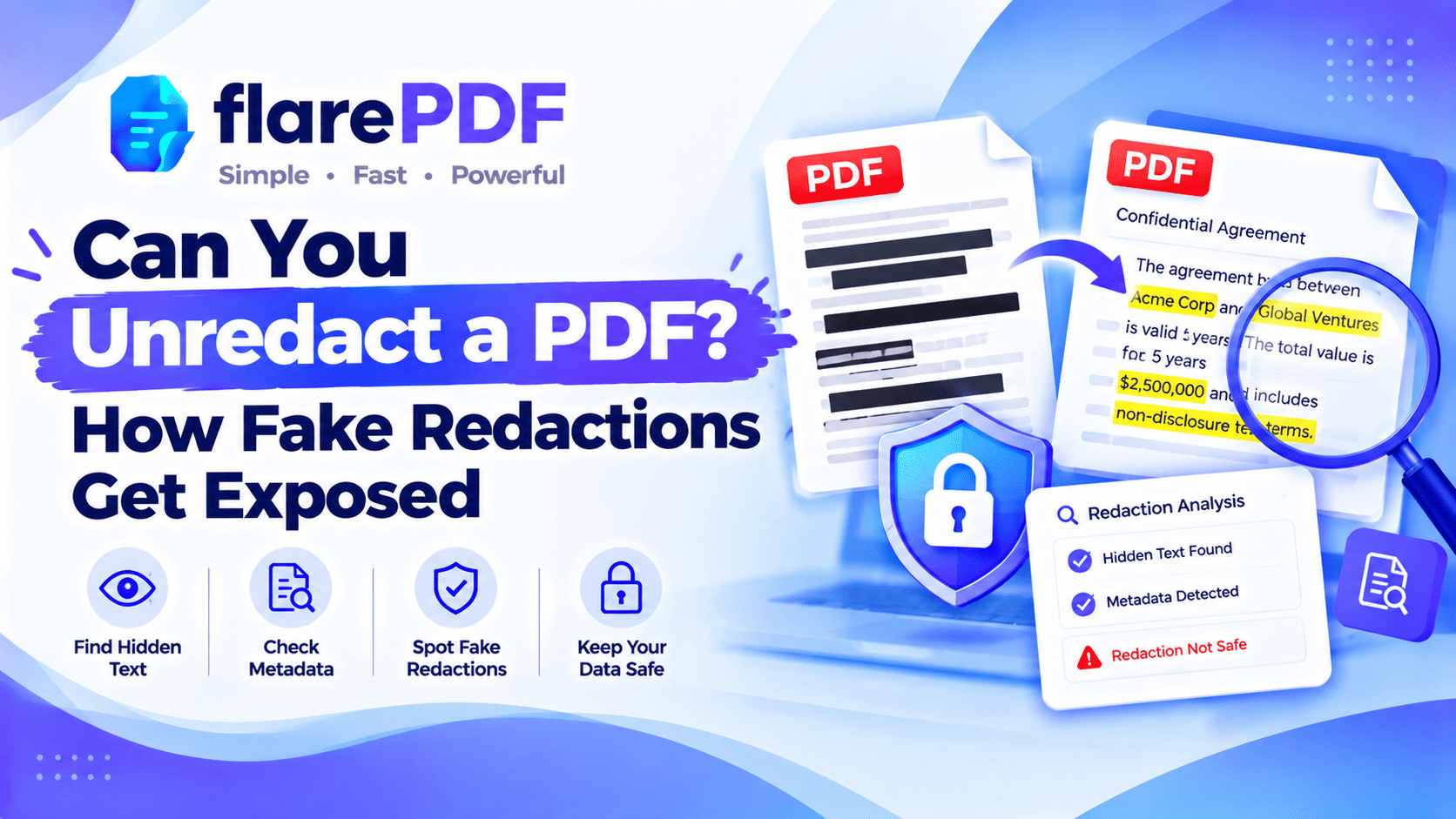
Can You Unredact a PDF? How Fake Redactions Fail
Can you unredact a PDF? Real redactions can’t be reversed, but fake ones can leak. See how weak redactions get exposed and how to test your own file.
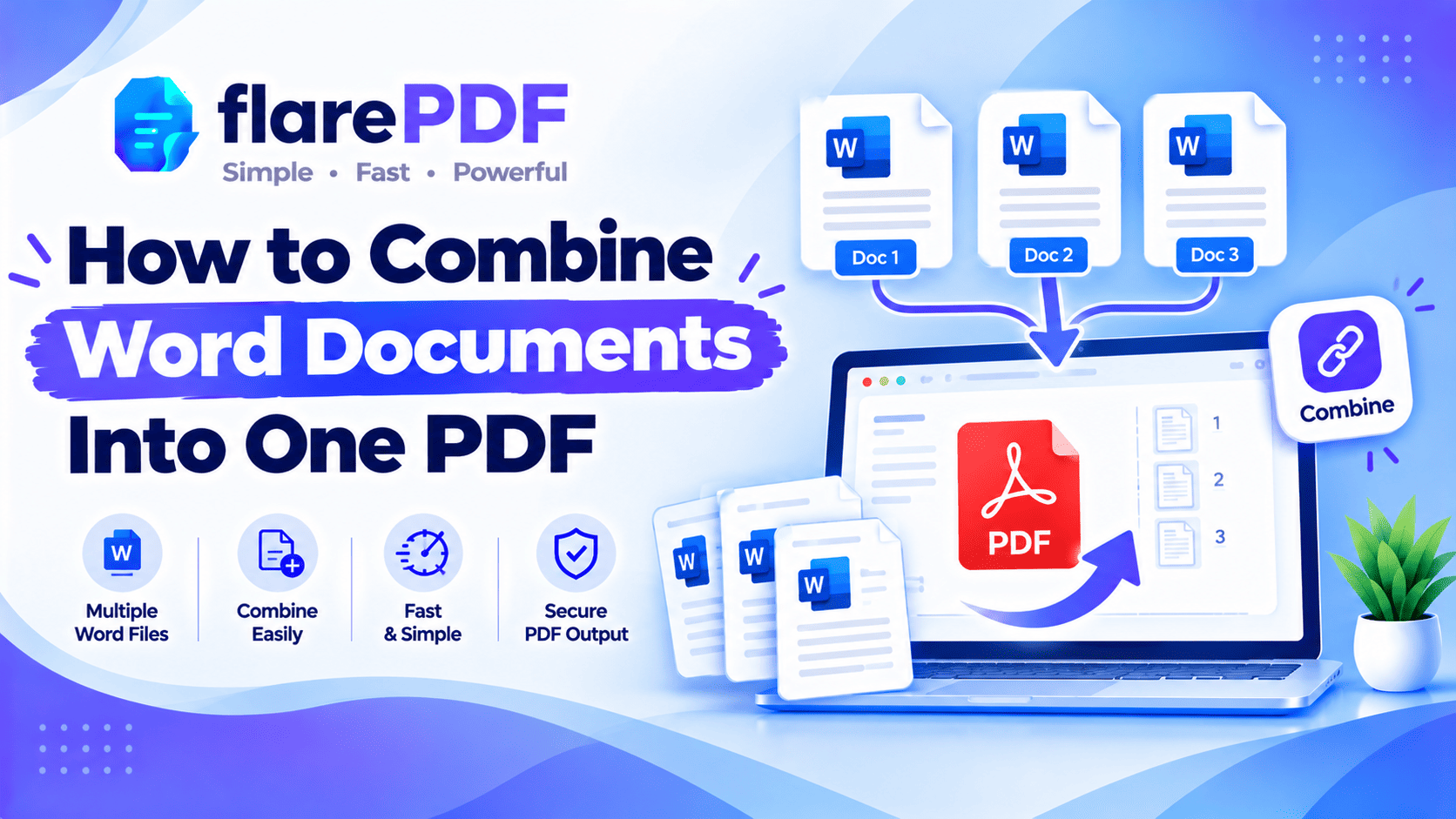
How to Combine Word Documents Into One PDF (Free)
Learn how to combine Word documents into one PDF for free. Save each file as a PDF and merge them, or join them in Word first. Windows, Mac, and Google Docs.
How to Split a PDF in Adobe Reader (and Free Alternatives)
Can you split a PDF in Adobe Reader? Not in the free version. See how Acrobat Pro splits files, plus free ways that work, including Print to PDF.
How to Add an Image or Picture to a PDF (Free)
Learn how to add an image to a PDF for free online, on Mac, iPhone, or Windows. Insert photos, logos, and stamps, or add a picture as a new page.
How to Change a PDF From Portrait to Landscape
Learn how to change a PDF from portrait to landscape, or back. Rotate pages for free online, or re-save a true landscape layout in Word or Print to PDF.
How to Add a Signature Box or Signature Block to a PDF
signature block to a PDF
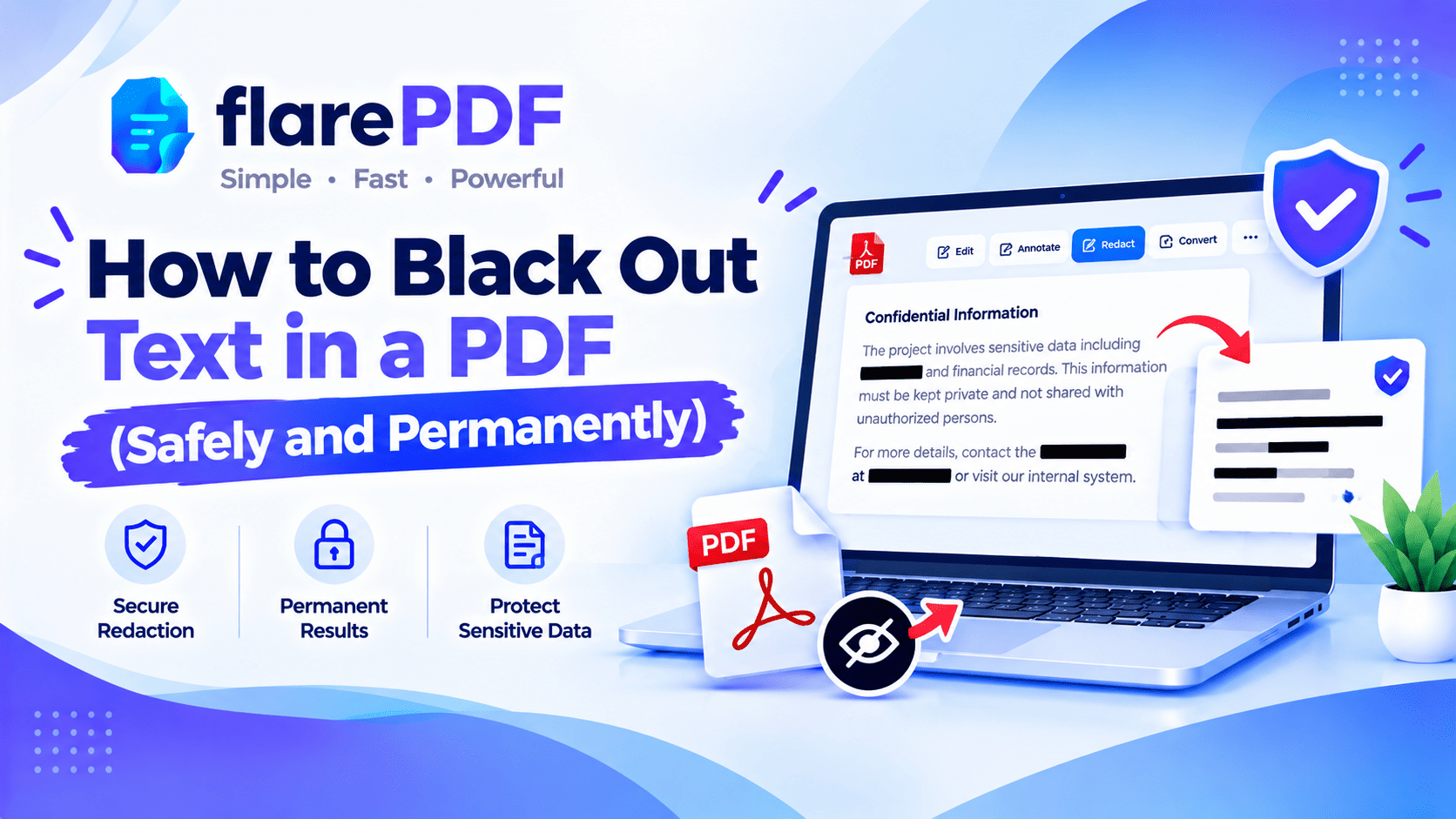
How to Black Out Text in a PDF (Safely and Permanently)
Learn how to black out text in a PDF so it’s really gone. See why black boxes and highlights fail, and use free methods that remove text.
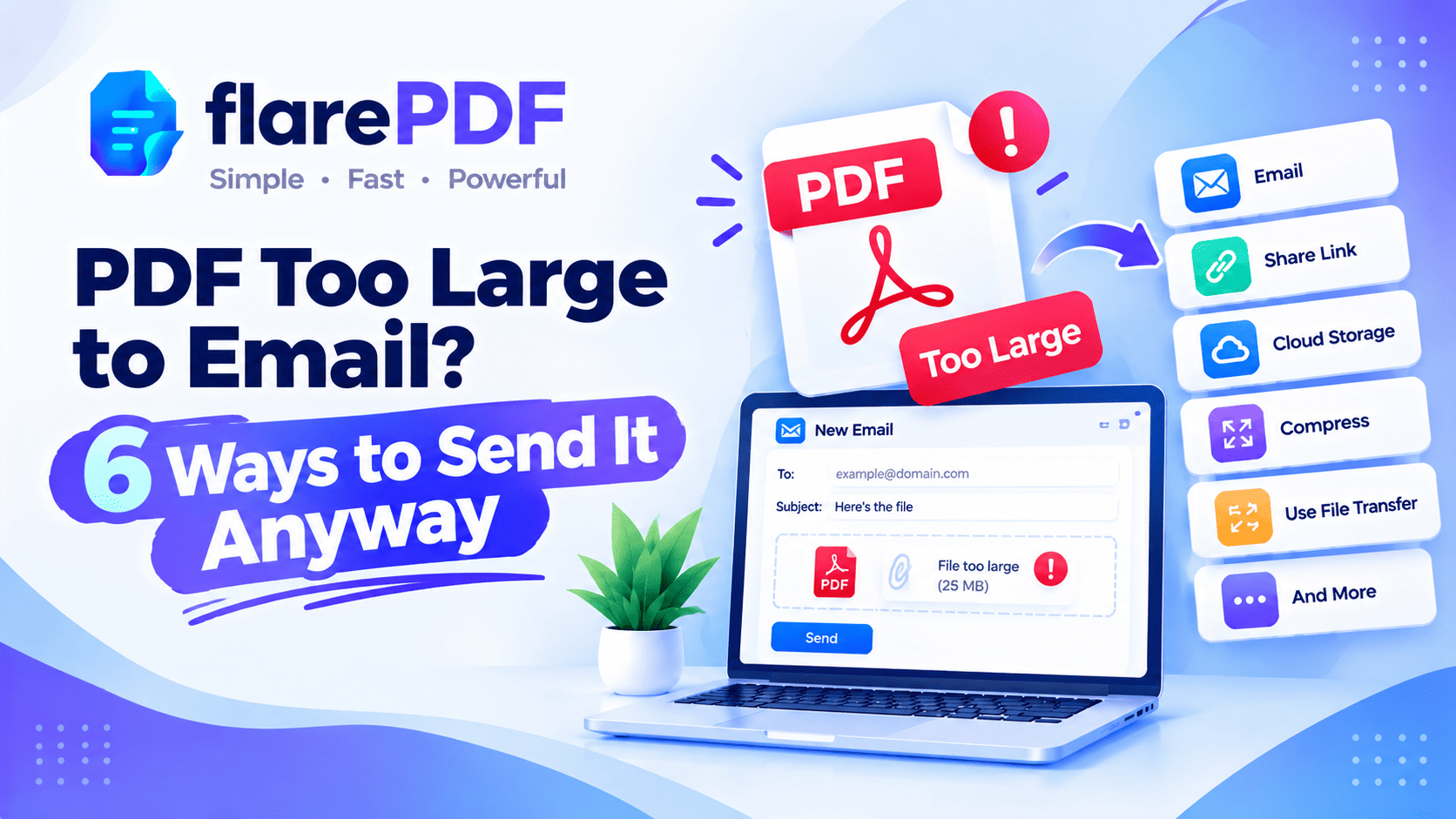
PDF Too Large to Email? 6 Ways to Send It Anyway
PDF too large to email? Learn 6 easy ways to send it: compress, split, remove pages, share a cloud link, zip or use a transfer service.
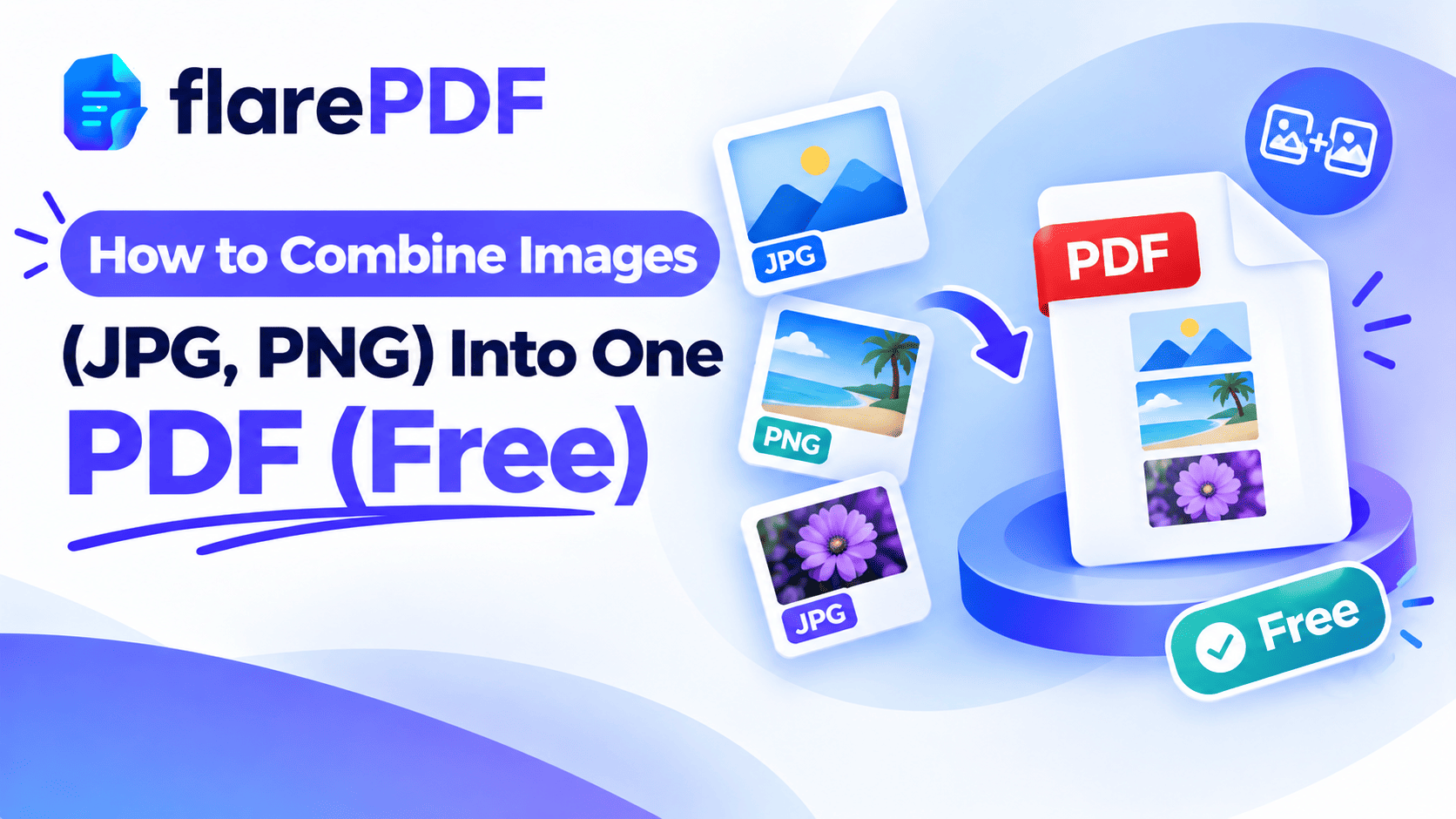
How to Combine Images (JPG, PNG) Into One PDF (Free)
Learn how to combine images into one PDF for free. Merge JPG, PNG, photos and screenshots on Windows, Mac, iPhone or Android, with no app.
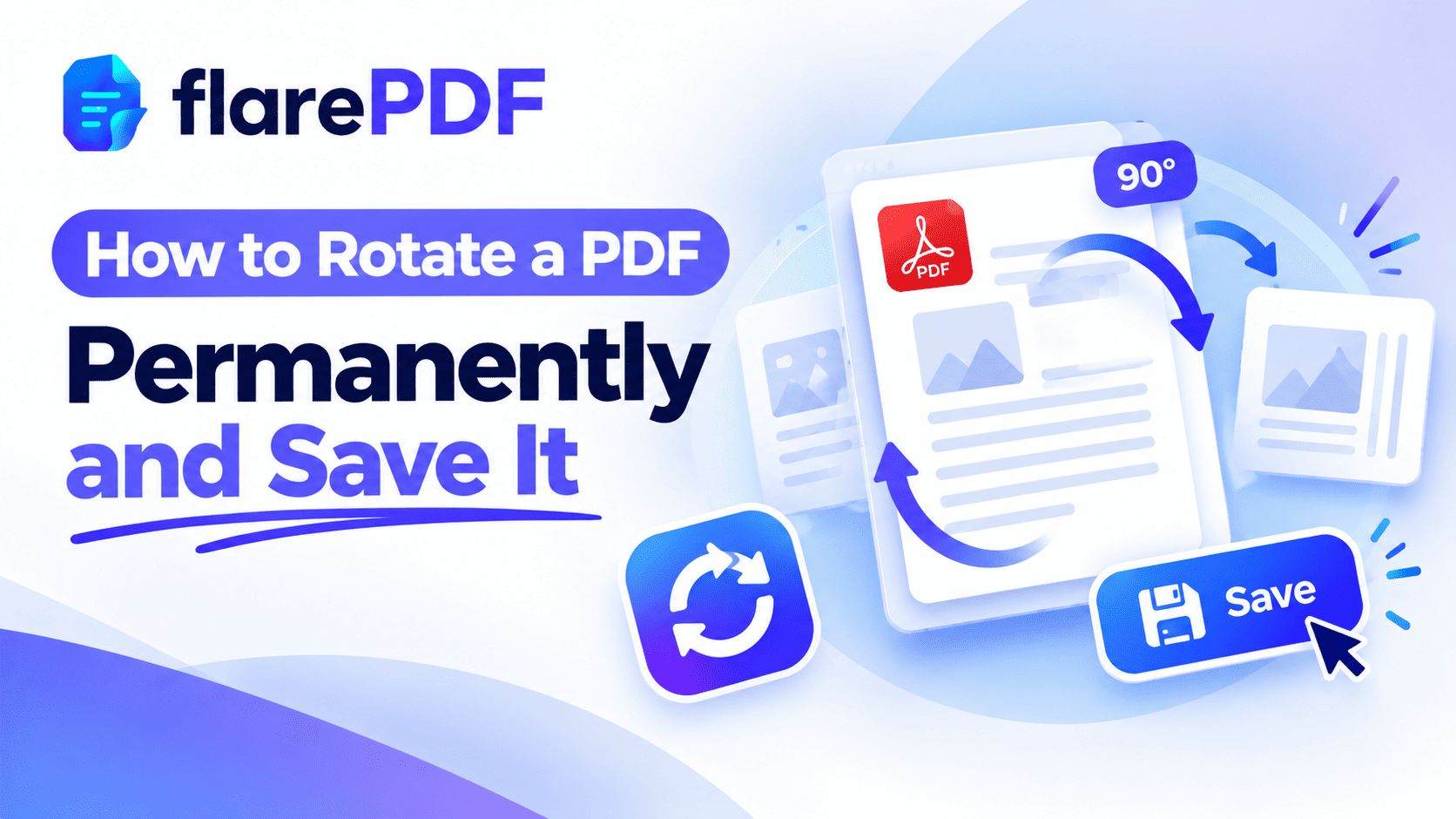
How to Rotate a PDF Permanently and Save It (Free)
Learn how to rotate a PDF permanently so it stays fixed. Rotate one page or all pages and save on Windows, Mac, iPhone, Android or Google Drive.